Notebook Intelligence
Start Notebook Intelligence from the side panel:
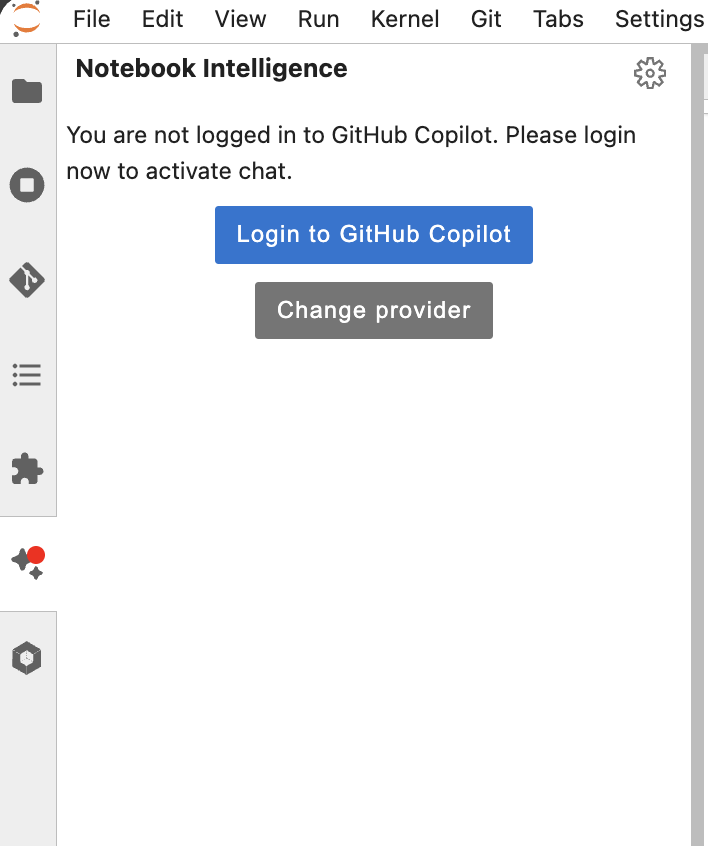
Then connect GitHub Copilot (or change the model provider).
Switch to agent, select all tools (via the settings button next to the Agent Selector) and give it a task:
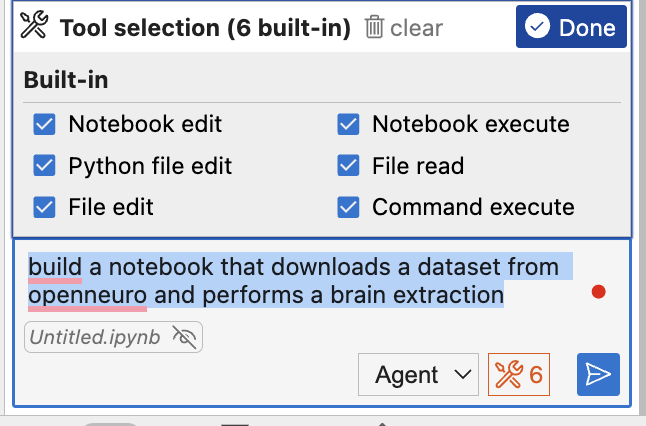
You can also ask it to fill in code in specific cells.
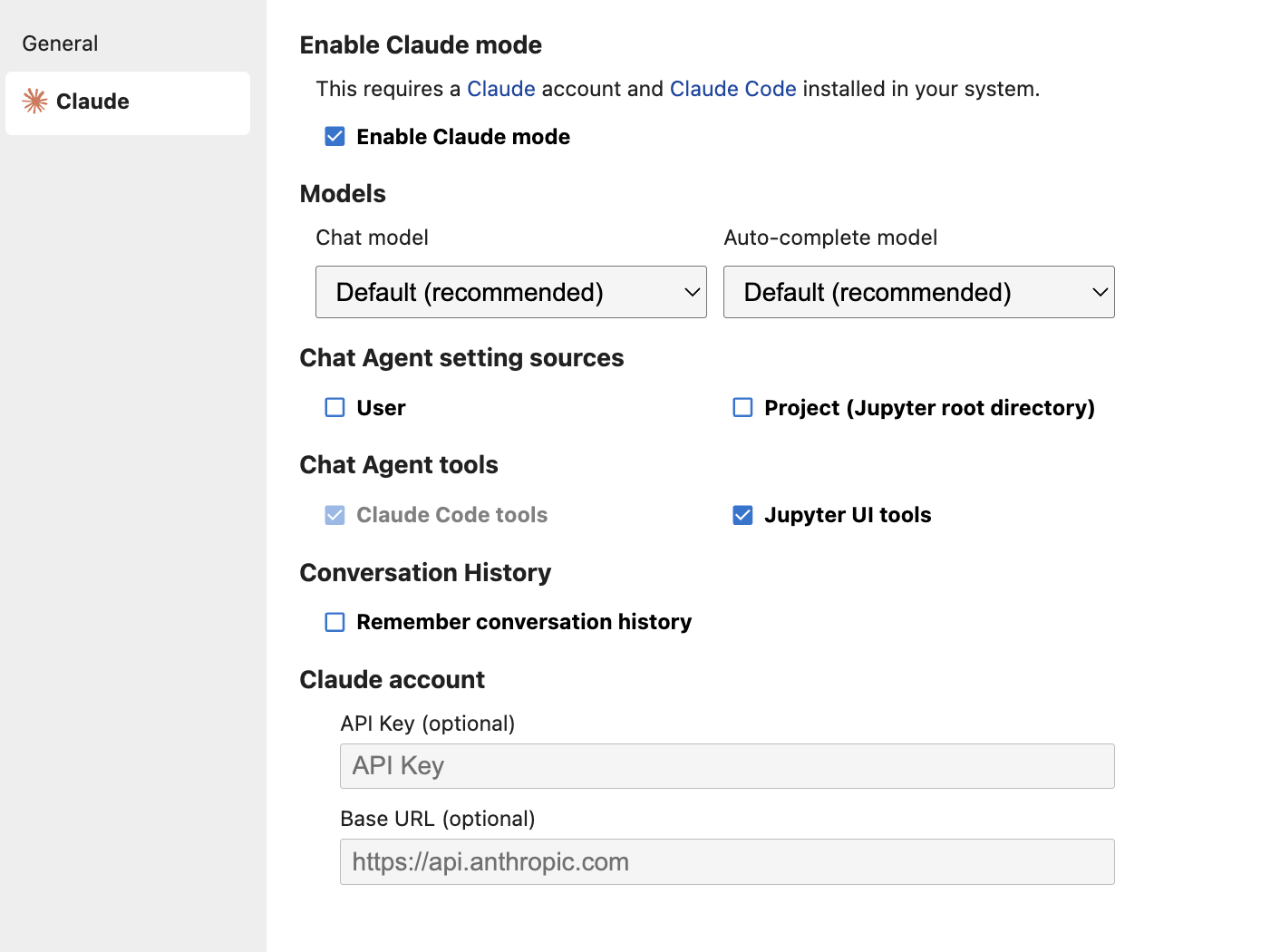
For a more capable model you can also switch to Claude in the settings:
Self-host a model in Ollama
Section titled “Self-host a model in Ollama”You can also self-host a model in Ollama on your computer. For this, install Ollama on your system and start the neurodesktop container with these additional Docker parameters:
--add-host=host.docker.internal:host-gateway \-e OLLAMA_HOST="http://host.docker.internal:11434" \This model works well:
ollama pull devstralWe need to extend the context window to make it usable for coding:
echo "FROM devstral:latestPARAMETER num_ctx 16384" > Modelfile
ollama create devstral-16k -f Modelfile
rm Modelfile
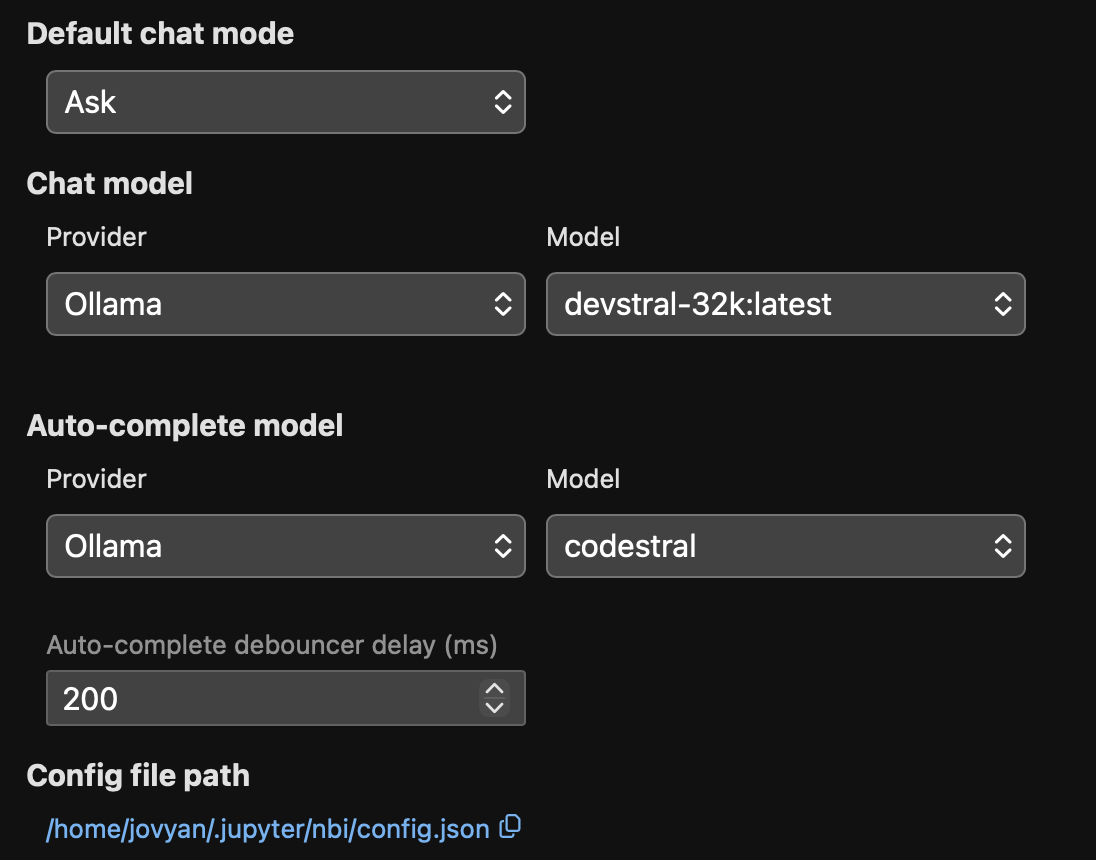
Then switch to Ollama in the settings: